n8n Voice Agent Workflow: Phone Calls Driven by n8n
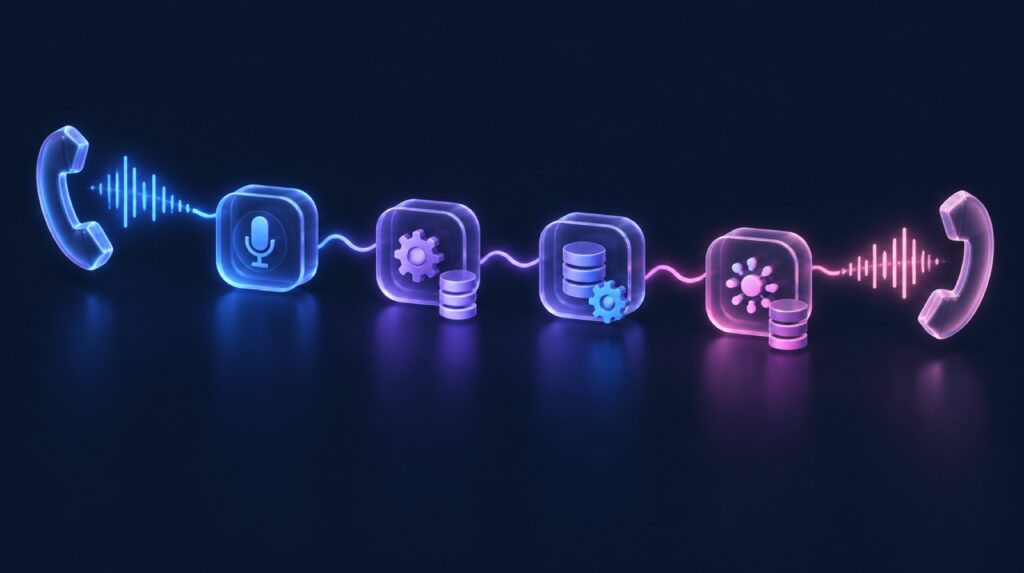
n8n has become a favourite way to build AI agents: drag in an AI Agent node, connect your CRM, Google Sheets and a few APIs, and you have a working assistant. The natural next question is how to put that agent on the phone. This guide shows a practical n8n voice agent workflow pattern for real phone calls, where n8n handles the thinking and the integrations, and a voice gateway handles the audio.
We cover the architecture, the exact request and response your workflow handles on each turn, a node-by-node template, how to keep it fast enough for a live call, and when to move logic out of n8n.
Why n8n should not touch the audio
A phone call is a continuous audio stream: 50 small packets per second in each direction, plus decisions about when the caller has stopped talking and whether they are interrupting. n8n is a workflow engine. Each execution has start-up overhead, and it is built around discrete events, not streams.
So the reliable design splits the job:
- The voice gateway answers the call over SIP or Asterisk, runs speech to text, decides when the caller has finished, plays the reply with text to speech, and handles interruptions and hang-up.
- n8n receives one text message per turn, decides what to say (with an LLM, tools and your business logic), and returns text plus a few flags.
In other words, n8n is the brain, called once per turn over HTTP. That keeps audio timing out of your workflow and lets you use everything n8n is good at. Our earlier guides on building AI voice agents with n8n and the basic n8n configuration cover the first set-up; this post focuses on designing the workflow itself.
The per-turn contract
On the VEXYL Voice Gateway, n8n plugs in as a custom HTTP brain. You set LLM_PROVIDER=custom and point CUSTOM_LLM_URL at your n8n production webhook URL, optionally with a bearer token. On every caller turn, the gateway POSTs JSON like this to n8n:
message: what the caller just said, as textsessionId: a stable id for this conversationhistory: earlier turns, if availablecontext: caller name and phone, language code such ashi-IN, timestamp, and any metadata you attached to the call (customer id, campaign, order number)
Your workflow replies with JSON. The text goes in a field such as response, and four optional flags control the call:
| Field | What the gateway does |
|---|---|
response |
Speaks this text to the caller |
shouldHangup |
Ends the call after speaking the reply |
shouldEscalate |
Transfers the caller to a human |
shouldWaitForMore |
Says nothing; the caller’s sentence seems unfinished |
shouldGiveTime |
Says nothing; the caller is thinking |
The gateway also accepts common field names such as text, output or answer, and you can point it at a nested path if your JSON is shaped differently. Full details are in the AI brain docs.
A node-by-node n8n voice agent template
Here is a template structure that works for most inbound and outbound call agents:
- Webhook (POST). Set “Respond” to use a Respond to Webhook node, so you control the reply. Use header auth matching the token you set on the gateway.
- Set / Edit Fields. Pull out
message,sessionId,context.languageand any metadata into clean fields. - AI Agent node. Your system prompt goes here, written for the phone: short replies, one question at a time, no lists or markdown. Pass the language so the model answers in Hindi, Tamil or English as needed.
- Memory. Attach a chat memory keyed by
sessionId, so each call keeps its own context. Use a database-backed memory if you run several n8n workers. - Tools. Give the agent a small set: look up an order, check slots, create a lead, create a ticket. Each tool is an HTTP Request or sub-workflow.
- Code or IF node for flags. Map the agent’s decision to
shouldHanguporshouldEscalate. A simple approach is to ask the model to output JSON with the reply and an action, then parse it. - Respond to Webhook. Return
{ "response": "...", "shouldHangup": false, "shouldEscalate": false }.
Keep a second, separate workflow for post-call work (next section). The per-turn workflow should do nothing that the caller does not need to hear about right now.
Keep it fast: latency rules for n8n on calls
Every millisecond your workflow takes is silence on the line. Some rules that make a real difference:
- Respond before you log. Do not write to Sheets, send emails or update CRMs inside the per-turn path unless the reply depends on it.
- One tool call per question. Chains of three API calls per turn add up quickly. Build a single endpoint that returns what the agent needs.
- Pick a fast model. A small, quick model handles most phone turns. Large reasoning models are often too slow for live conversation.
- Keep the prompt short. Large prompts and long memories slow every turn. Trim memory to the last several exchanges.
- Host n8n near the gateway. Same data centre or city if possible. A self-hosted n8n next to a self-hosted gateway removes a long network hop.
- Avoid cold starts. Keep the workflow active and the n8n instance warm; queue mode with workers helps under load.
- Set a timeout plan. The gateway waits up to
CUSTOM_LLM_TIMEOUT(30 seconds by default) and can play a “please hold” message while it waits. Do not rely on it; aim for replies well under two seconds.
For a full breakdown of where time goes on a call, see our guide to fixing voice AI delay.
Post-call workflows with lifecycle webhooks
The heavy lifting belongs after the call. The gateway can POST lifecycle events to any URL: call.started when a call is answered and call.ended at clean-up, with the transcript, duration and timing data. Point that at a second n8n workflow that:
- Summarises the transcript with an LLM
- Updates the CRM record or creates a ticket
- Sends a WhatsApp or email follow-up through your own integration
- Writes a row to a sheet or database for reporting
Since this runs after hang-up, it can take as long as it needs without the caller noticing. Requests can be signed with an HMAC signature so your workflow can verify they came from the gateway.
n8n as brain vs n8n as a tool
There are two ways to combine n8n with voice, and both are valid:
| Pattern | How it works | Good for |
|---|---|---|
| n8n as the brain | Gateway calls n8n every turn; n8n runs the LLM and tools | Teams who already build agents in n8n and want full control in one place |
| n8n as a tool behind LiteBot | LiteBot runs the conversation; it calls an n8n webhook only when it needs an action, like booking or a CRM update | Lower per-turn latency, built-in transfer and hang-up tools, dashboards and cost tracking |
Many teams start with n8n as the brain for prototyping and move the conversation into LiteBot once call volume grows, keeping n8n for the integrations it does best.
How VEXYL fits
The VEXYL Voice Gateway handles everything n8n should not: SIP trunks, Asterisk and FreePBX, browser calls, speech recognition in Indian languages, voices, interruptions, transfers and hang-ups. It calls your n8n webhook once per turn with a stable session id and caller context, honours the hangup, escalate and wait flags, and sends lifecycle webhooks for post-call workflows. Per-call metadata lets you pass customer or campaign details into n8n without extra lookups. Both the gateway and n8n can run on your own servers, which keeps call data in your environment.
FAQ
Can n8n handle phone calls directly?
Not well on its own. n8n is not built for real-time audio streams. Use a voice gateway or telephony platform for the audio, and let n8n handle the conversation logic one turn at a time over a webhook.
Is there an n8n voice agent template I can import?
The structure above (Webhook, field mapping, AI Agent with session memory and tools, flag mapping, Respond to Webhook) is the core of most templates. Build it once, then copy it for each new agent with a different prompt and tools.
How do I transfer a call to a human from n8n?
Return shouldEscalate: true with a short handover message. The gateway then transfers the call through your PBX or a SIP REFER, depending on how the call arrived.
How do I keep conversation memory per call?
Use the sessionId the gateway sends as the memory key in n8n. Each call gets its own memory, and turns within the call share it.
Will n8n make my voice agent slow?
It can if the per-turn workflow does too much. Keep only the LLM and essential lookups in the live path, host n8n close to the gateway, and move logging and follow-ups to a post-call workflow.
Want to put your n8n agent on a real phone number? Start with the free self-hosted Developer edition, or contact us for help connecting n8n to your phone system.